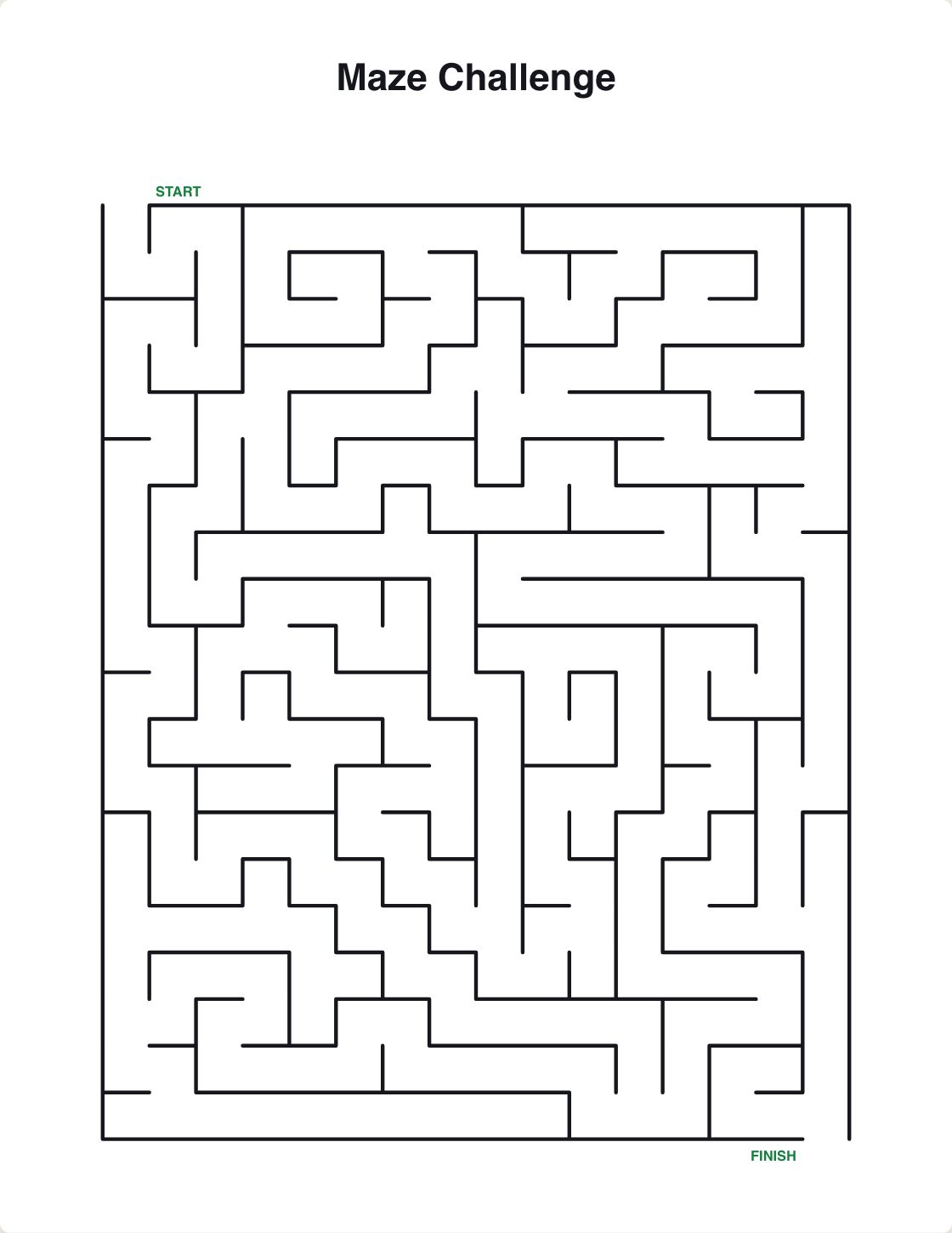
How to make a printable maze
- Give it a title. Something like Friday Fun Mazes or Space Explorer Challenge appears at the top of every page.
- Pick a difficulty. Easy, Medium and Hard use proven sizes, and Custom lets you set the width and height yourself.
- Choose how many. Make one maze or a pack of up to 20, each on its own page and each one different.
- Download or print. Keep Add answer pages switched on if you want solutions at the end of the PDF.
Use the arrows under the preview to look through each maze, and the eye button to check its solution on screen. Shuffle replaces the whole set with new mazes.
Choosing the right size
| Difficulty | Grid | Typical solver |
|---|---|---|
| Easy | 10 × 12 | Ages 4–6, first mazes |
| Medium | 16 × 20 | Ages 7–10 |
| Hard | 24 × 30 | Ages 11+, adults |
| Custom | 5 × 5 to 40 × 50 | Anyone |
Ability varies a lot from child to child, so treat the ages as a starting point. A bigger grid means narrower paths on the page as well as a longer route. For very young children or anyone who finds fine pencil control hard, a smaller custom size, such as 8 × 8, gives wide paths that are easier to trace.
What makes these mazes fair
Every maze is a perfect maze: there is exactly one route between any two points, with no loops and no unreachable pockets. The generator works by carving passages from the start of the grid and backing up whenever it hits a dead end, which naturally produces long winding paths with plenty of tempting side branches. That’s what makes a maze feel challenging rather than random.
Because there are no loops, a solver can’t get stuck going round in circles, and there’s never more than one correct answer to argue over. The entrance is always at the top left and the exit at the bottom right, clearly marked START and FINISH.
Ideas for using mazes
Early finisher packs. Keep a folder of mazes at different sizes for students who finish their work early. Mazes are quiet, self-checking and need nothing but a pencil.
Fine-motor practice. For younger children, tracing a path between walls without touching them builds pencil control. Start with Easy or a small custom size and move up as they get more confident.
Travel and waiting rooms. Print a mixed pack before a long trip. A clipboard and a pencil turn any seat into a desk.
Race the clock. Give two players the same maze and see who reaches FINISH first, or time yourself and try to beat your record on a fresh set.
Party activity. Add a theme title such as Dinosaur Escape and include a maze in each party bag.
Printing tips
- Print at 100%. Choose Actual size in the print dialog so the walls stay crisp and the paths keep their width.
- Use the answer pages wisely. Answers come after all the mazes, so you can print just the maze pages for solvers and keep the answers for yourself.
- Save ink. The walls are black and only the START/FINISH labels and solution line use your chosen colour, so mazes are very cheap to print.
Looking for more printable brain teasers? Try the sudoku maker for logic puzzles or the word search maker for vocabulary practice. For tips on getting full-size printouts, read our printing guide.